Jak kupić bilet w aplikacji System FALA?
Pokaż instrukcję dla:
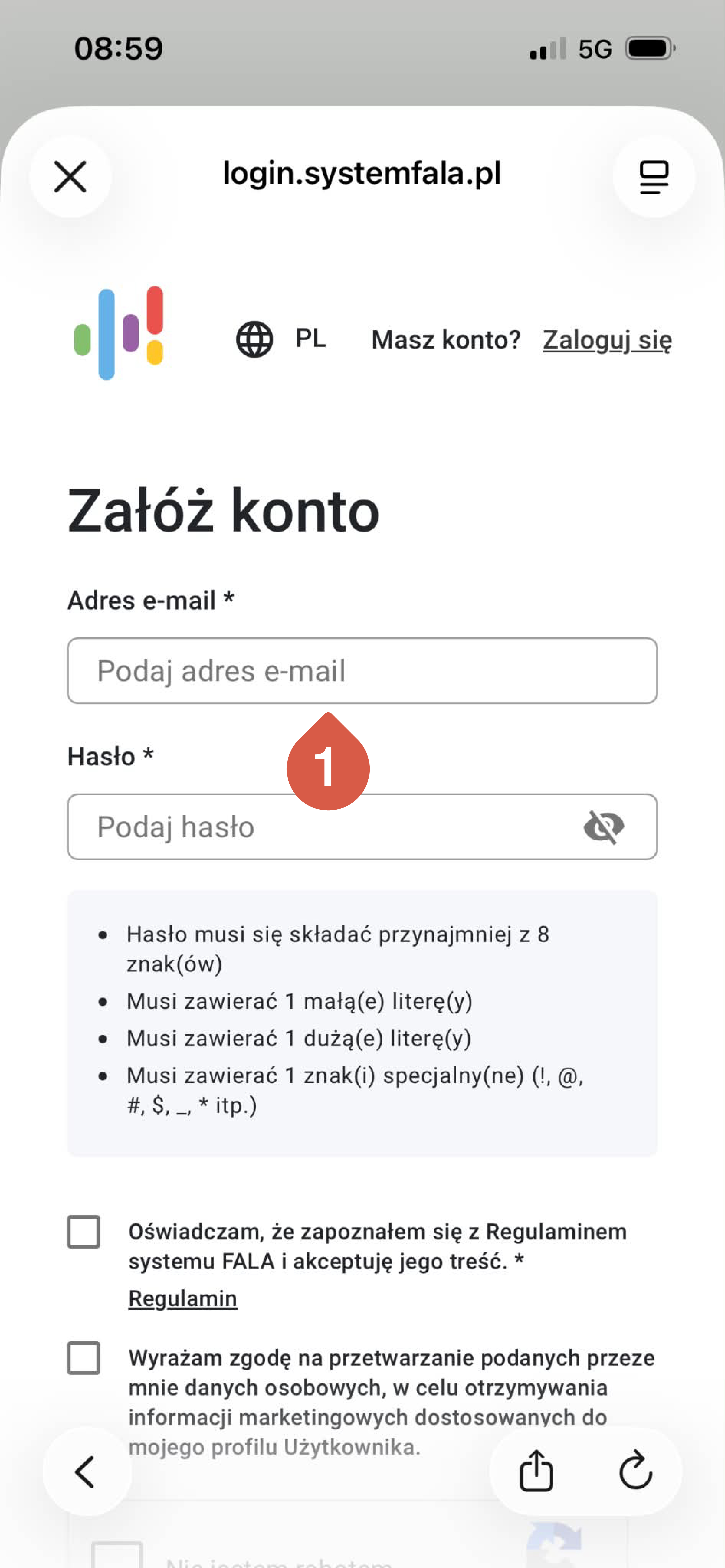
- Załóż konto i zarejestruj się.
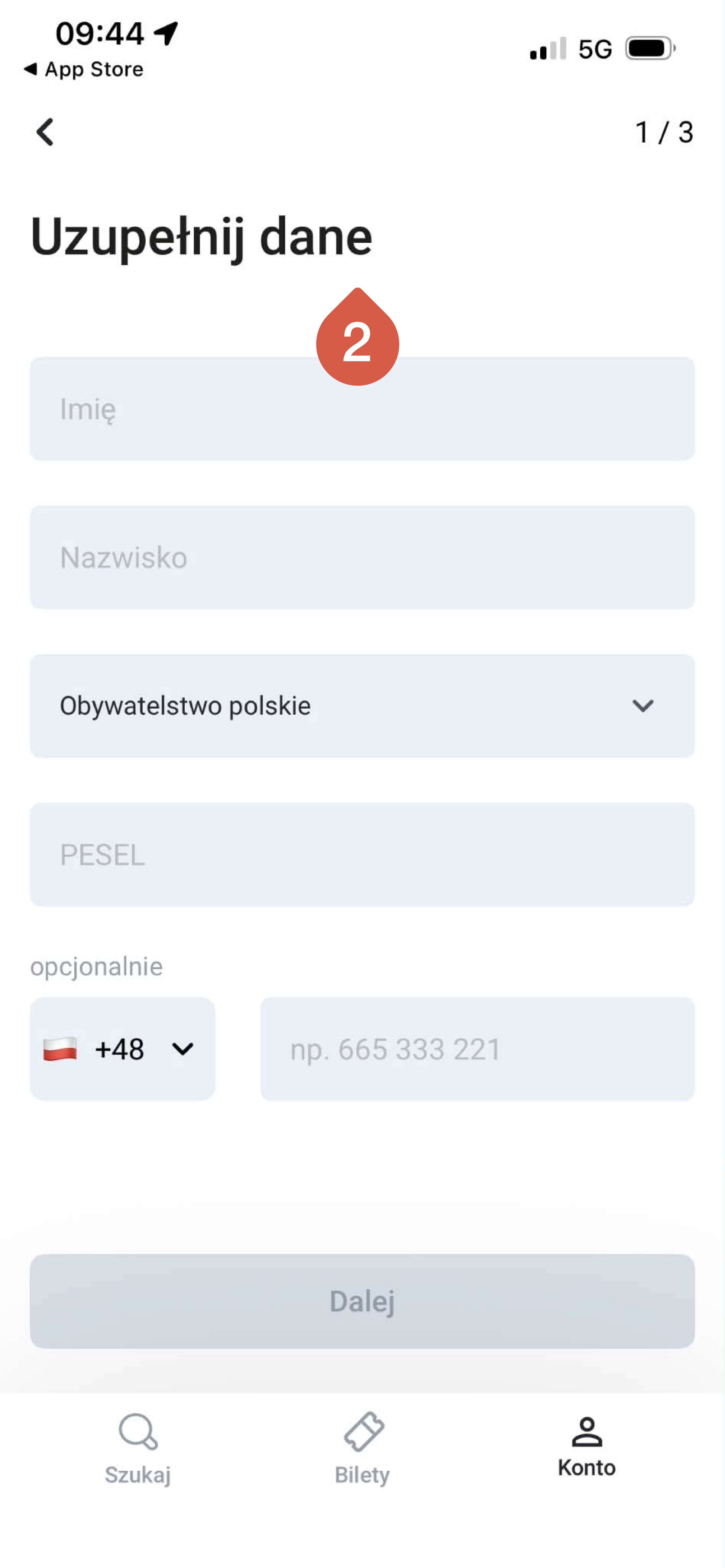
- Spersonalizuj konto.
3. Przejdź do zakładki BILETY.
4. Wybierz organizatora transportu, u którego chcesz kupić bilet.
5. Określ typ biletu: krótko-, średnio- lub długookresowy.
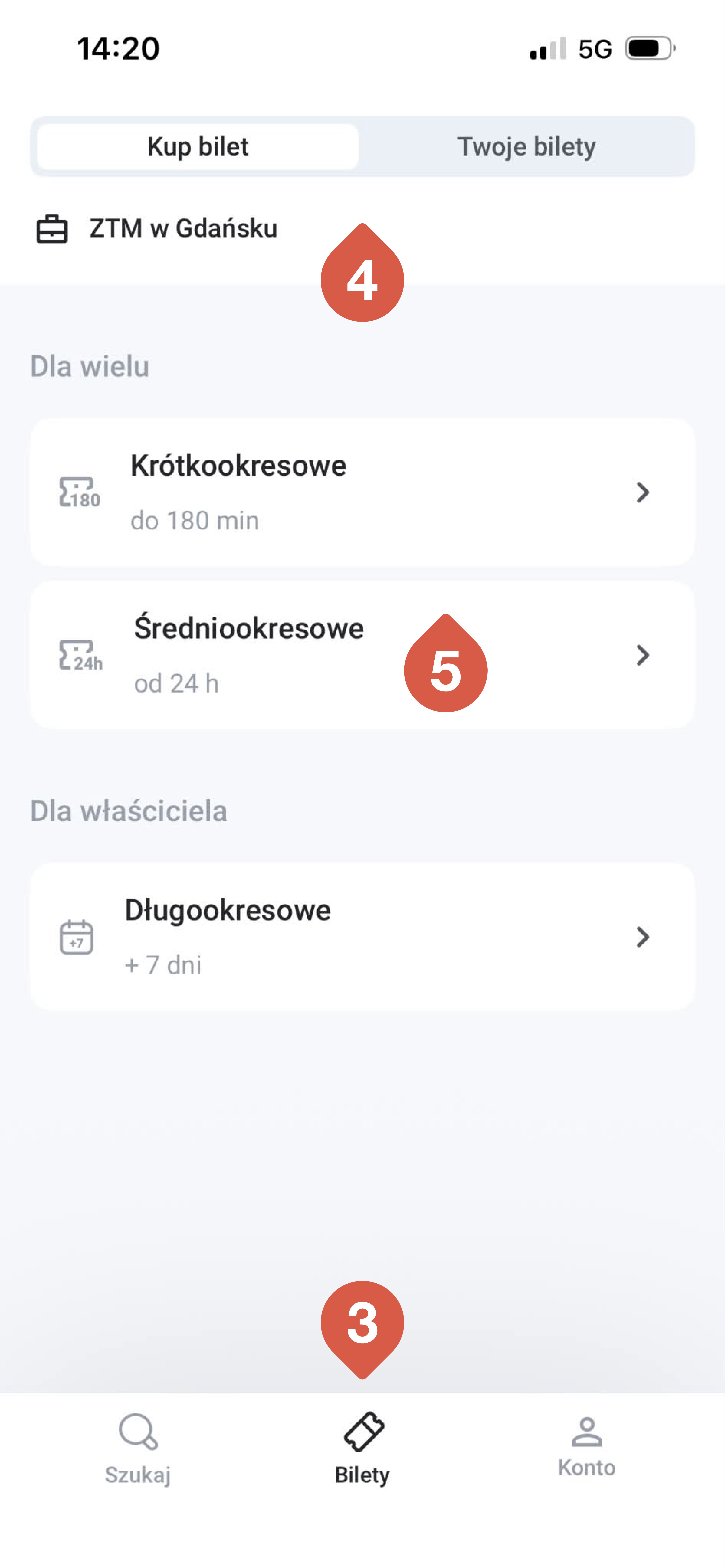
6. Następnie wybierz z listy taki bilet, jaki chcesz kupić.
7. Jeżeli kupujesz bilet okresowy, określ, od kiedy ma być ważny.
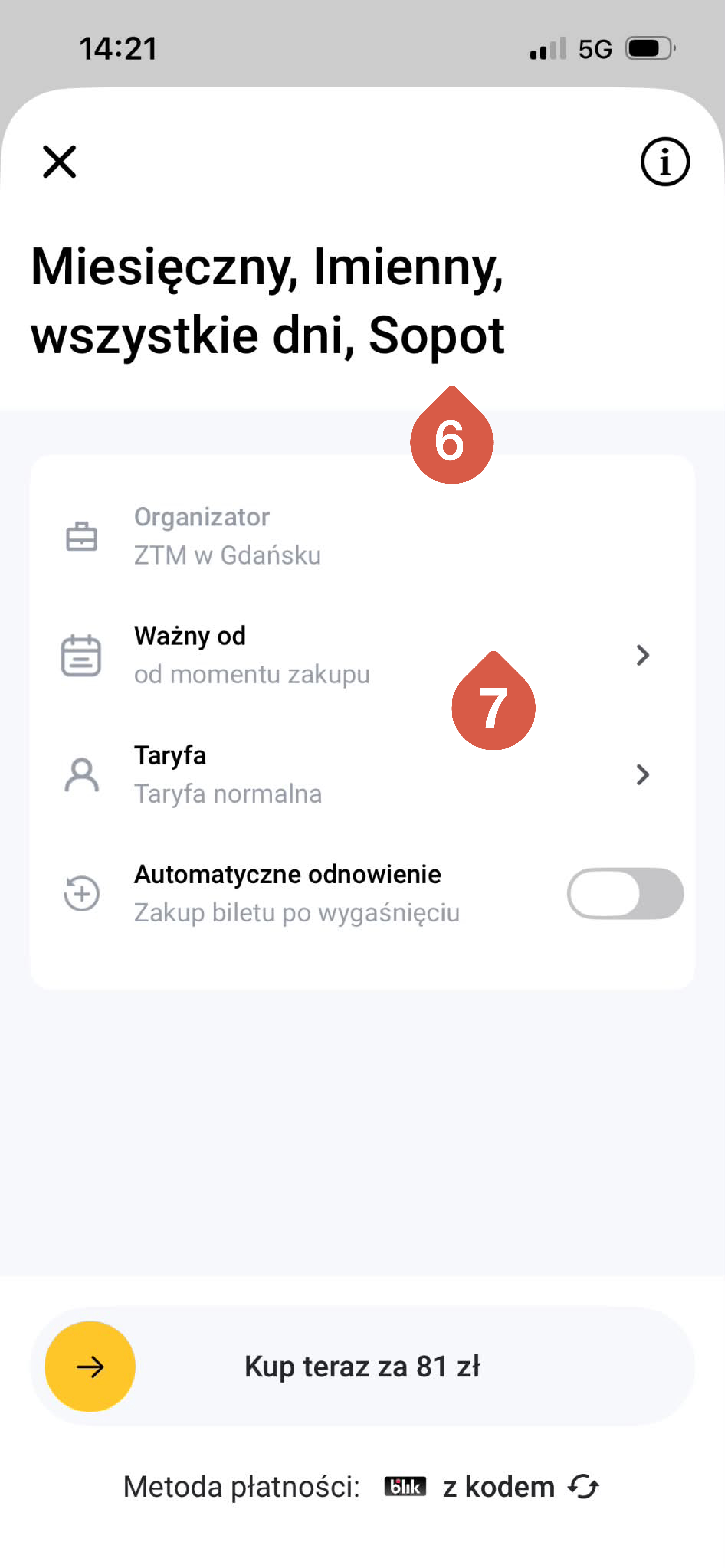
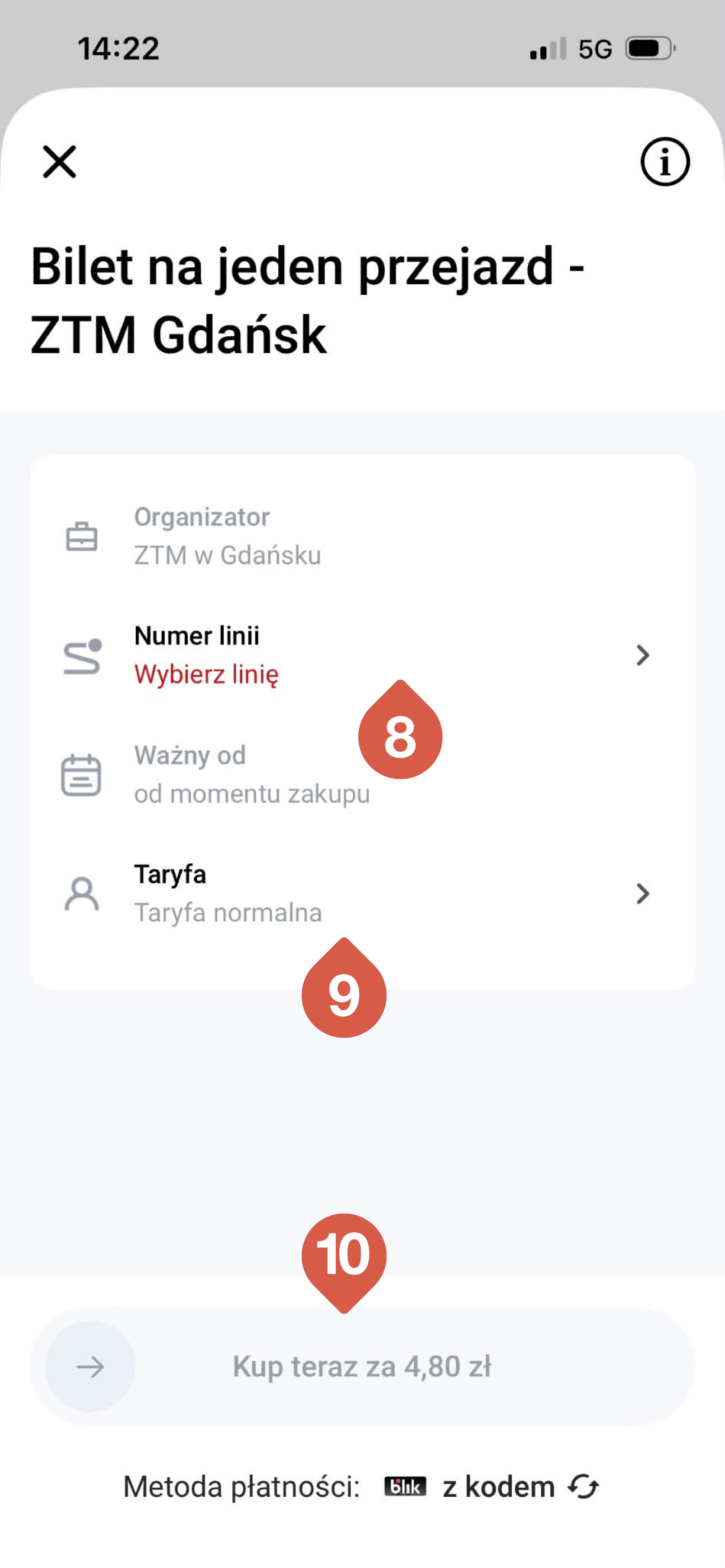
8. Jeśli kupujesz bilet na jeden przejazd, wybierz numer linii.
9. Określ, czy bilet ma być ulgowy czy normalny.
10. Wybierz metodę płatności i zapłać.
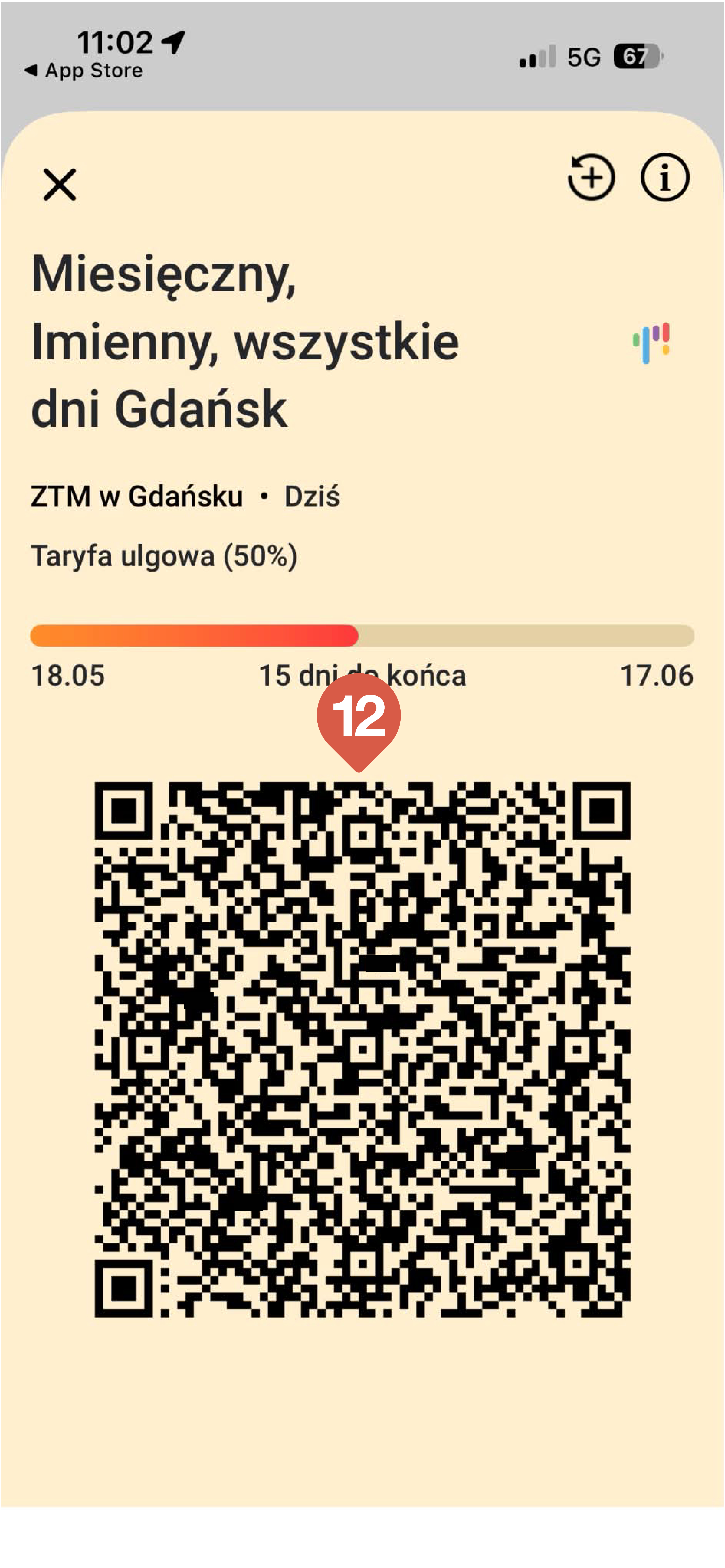
11. Kupiony bilet znajdziesz w zakładce TWOJE BILETY.
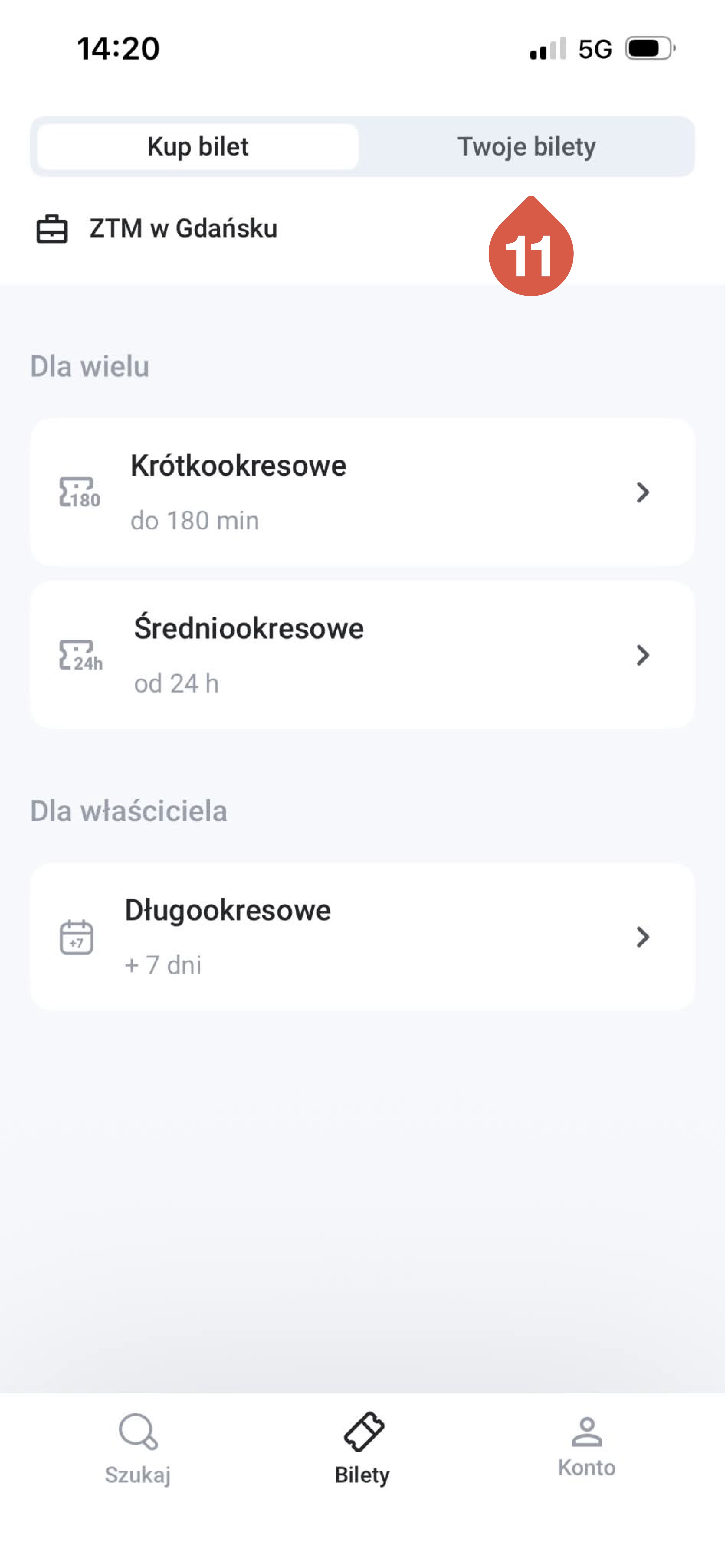
12. Podczas kontroli pokaż kod QR z zakładki TWOJE BILETY.